Flashcards
Made for Google Sheets
Free Google Sheets flashcards with five review boxes. See which cards to review today and track your quiz scores.
Get it freeCheckout and delivery on Gumroad. You get a link that puts your own copy in your Google Drive.
- Works in the free Google Sheets app on your phone
- Needs only a free Google account
- No scripts, forms or add ons
- Free forever, pay what you want if you like it
Quick answer
Flashcards is a free Google Sheets template by Plainsort for students. See which cards to review today and track your quiz scores. It works on your phone in the free Google Sheets app.
Stop rereading the cards you already know.
This is a free Google Sheets flashcard system for students and board exam reviewers. Type a question and an answer. Each card sits in one of five boxes. The sheet tells you which cards to review today, so you spend time on what you do not know yet.
Who it is for
- College and high school students before quizzes and exams
- Board exam reviewers
- Language learners
- You, if you make flashcards and never know which ones to review
The problem it solves
Reviewing every card every day takes too long, so you stop. Reviewing at random means the hard ones never stick. Five boxes fix this: new and wrong cards come back every day, known cards come back less often.
What is inside
- Start Here tab. Three setup steps, your exam name and date, a daily card goal and up to 12 topics.
- Topic presets. School subject, Board exam, Language or None.
- How the boxes work. Box 1 every day, Box 2 every 2 days, Box 3 every 4 days, Box 4 every week, Box 5 every 2 weeks.
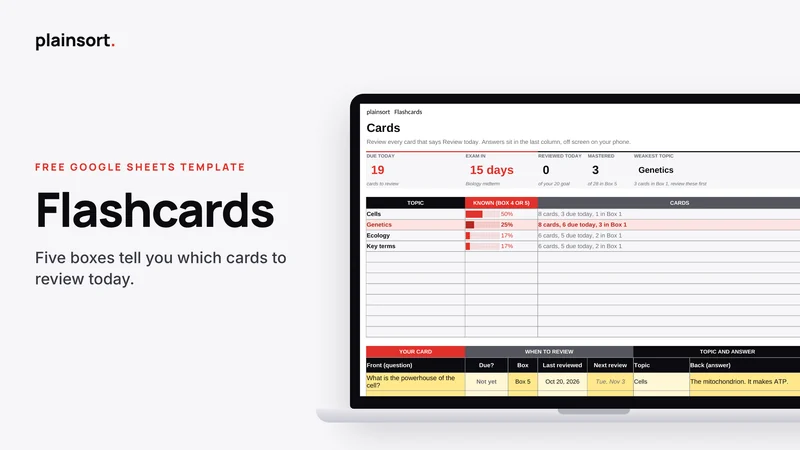
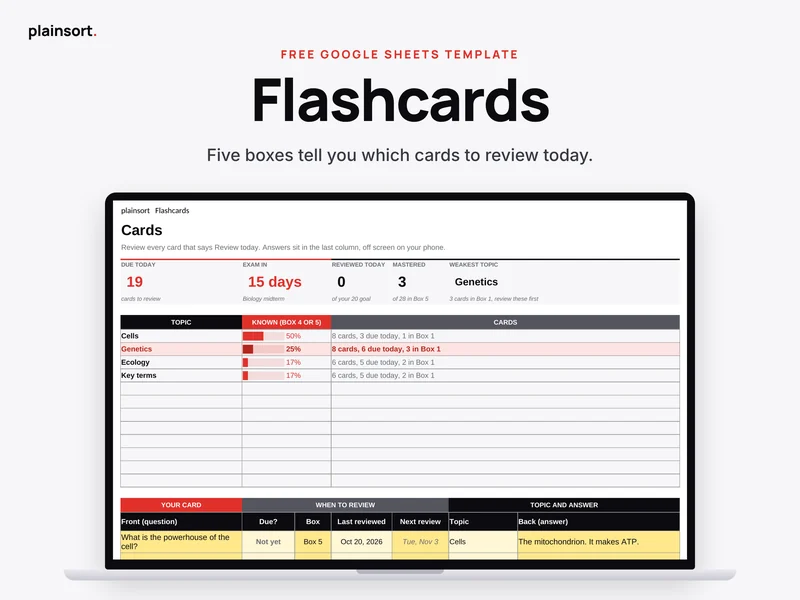
- Cards tab. Due today, exam in, reviewed today, mastered and weakest topic on top. Each topic's progress and your cards right under them.
- Answers off screen. The answer sits in the last column, so on a phone you see the question first.
- Quiz Log tab. Log quizzes and practice tests. See your average, last score, best score, average by topic and a chart.
- Fix it box. Quick answers for common problems, right inside the file.
How it works on your phone
Open the free Google Sheets app. Go to Cards and look for Review today. Read the question, think, then swipe right to check the answer. Change the box and the date. No scripts, no forms and no buttons.
The setup is easier on a laptop, but daily use is made for your phone.
What you get
- One Google Sheet with 3 tabs: Start Here, Cards and Quiz Log
- Five review boxes with dates worked out for you
- Up to 12 topics
- A copy link that puts your own copy in your Google Drive
- Email support from a real person
Want every deadline for every subject in one list? The Student Planner is the upgrade, coming soon.
Questions people ask
Does it work in Excel?
It is made for Google Sheets and tested there. You can download your copy as an Excel file from the File menu, and the numbers still work. Some colours, charts or dropdowns may look different in Excel, so we only promise full support in Google Sheets.
Can I use it on my phone?
Yes. Daily use works in the free Google Sheets app. To make your copy, open the copy link in your phone browser, not the app, because the app hides the Make a copy option.
Do I need a Google account?
Yes. A free Google account is enough.
How many cards can I add?
Up to 200 cards in one copy. Make another copy for each big exam if you want more.
What if I paid and changed my mind?
It is free, so you never have to pay. If you chose to pay something, you get a full refund within 14 days. No questions asked. Just reply to your receipt or email us.
How do I get help?
Email [email protected]. We reply within 24 hours.
Free · Made for Google Sheets · Works on your phone
You might also like
 HabitsHabit Tracker
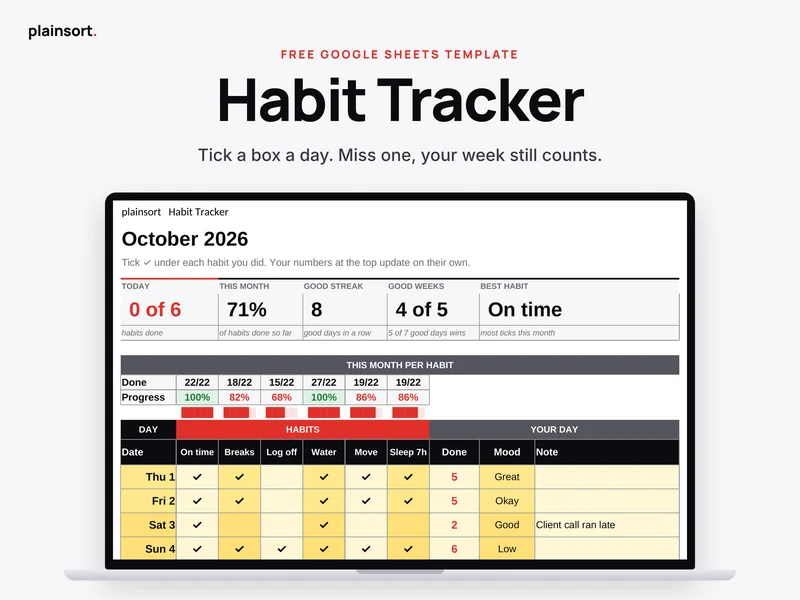
A free Google Sheets habit tracker for your phone. Tick six habits a day. A good week still counts if you miss a day.
Made for Google SheetsFree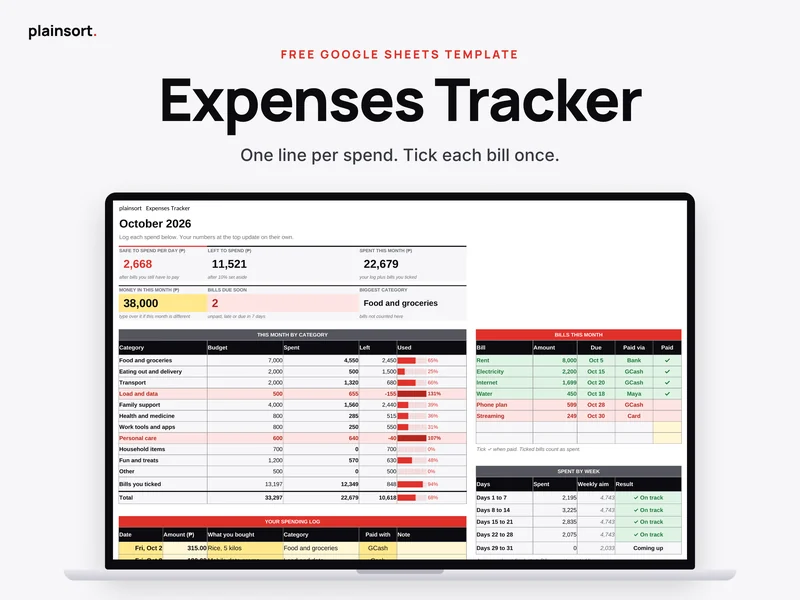 MoneyExpenses Tracker
A free Google Sheets expense tracker. Log each spend in one line, tick bills once, and see what you can still spend.
Made for Google SheetsFree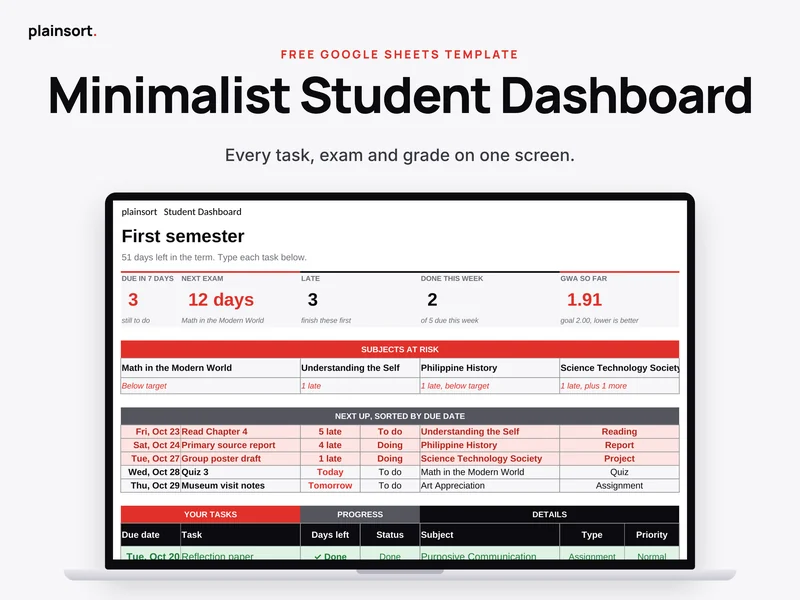 StudyMinimalist Student Dashboard
A free Google Sheets student dashboard. Every task, exam and score in one place, with your grade average worked out for you.
Made for Google SheetsFree