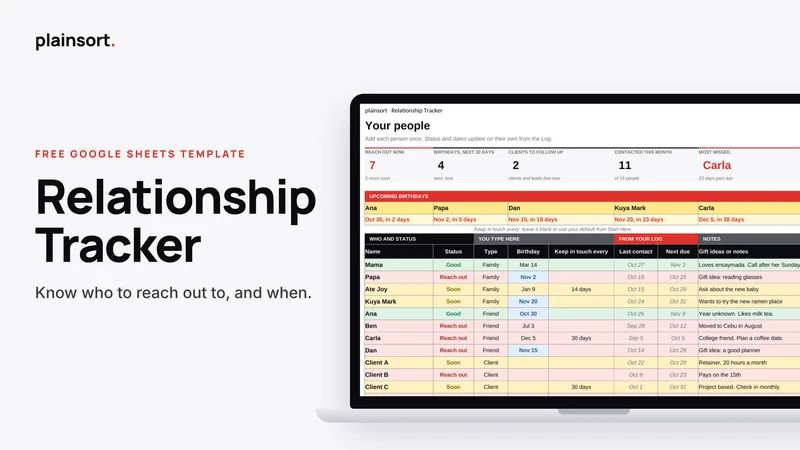
Relationship Tracker
Made for Google Sheets
A free Google Sheets keep in touch tracker. See who to reach out to, upcoming birthdays and client follow ups.
Get it freeCheckout and delivery on Gumroad. You get a link that puts your own copy in your Google Drive.
- Works in the free Google Sheets app on your phone
- Needs only a free Google account
- No scripts, forms or add ons
- Free forever, pay what you want if you like it
Quick answer
Relationship Tracker is a free Google Sheets template by Plainsort for virtual assistants, freelancers and solopreneurs. See who to reach out to, upcoming birthdays and client follow ups. It works on your phone in the free Google Sheets app.
Busy is not the same as forgetting people. This sheet helps with both.
This is a free Google Sheets tracker for the people who matter: family, friends, clients and leads. Add each person once. Log one line when you talk. The sheet tells you who to reach out to now and whose birthday is coming.
Who it is for
- VAs and freelancers who want to keep in touch with past clients and leads
- People who live far from family and want to call more often
- Anyone who forgets birthdays until the day after
- You, if you meant to message someone months ago
The problem it solves
Work fills the week and suddenly it has been three months since you called a friend or followed up with a lead. This sheet sets a keep in touch rhythm for each type of person and flags who is due.
What is inside
- Start Here tab. Three setup steps, who you track and how often to reach out by type.
- Keep in touch defaults. Set days for Family, Friend, Client, Lead and Mentor. Change one person when you need to.
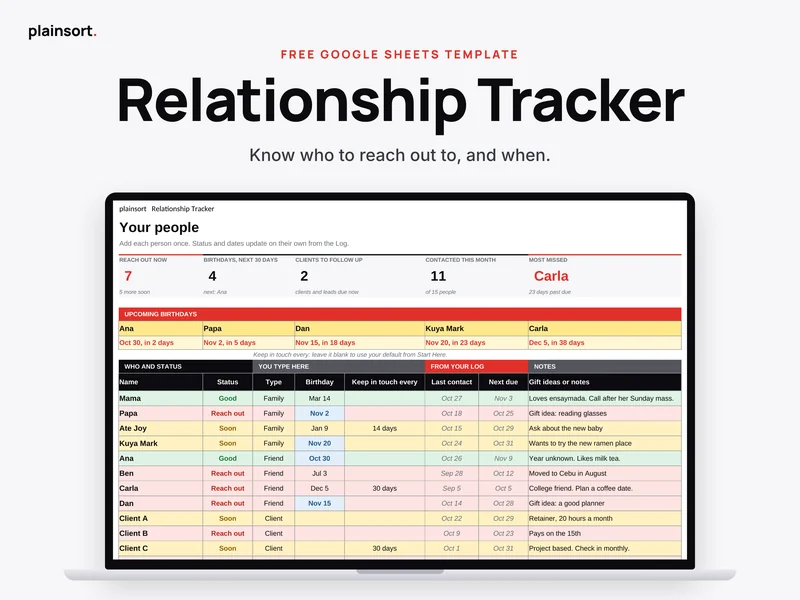
- People tab. Reach out now, birthdays in the next 30 days, clients to follow up, contacted this month and most missed on top. Your list of people right under them.
- Status that updates on its own. Good, Soon or Reach out, from your last contact.
- Log tab. One line each time you talk: date, person, how, what you talked about and a follow up date.
- Gift ideas and notes. A place to remember the little things.
- Fix it box. Quick answers for common problems, right inside the file.
How it works on your phone
Open the free Google Sheets app. After a call or chat, go to Log, type the date and pick the person. That is enough. Their status on People updates on its own. No scripts, no forms and no buttons.
The setup is easier on a laptop, but daily use is made for your phone.
What you get
- One Google Sheet with 3 tabs: Start Here, People and Log
- Five contact types with their own keep in touch rhythm
- A copy link that puts your own copy in your Google Drive
- Email support from a real person
Need deal stages, invoices and payment follow ups for clients? Simple Business CRM is the upgrade, coming soon.
Questions people ask
Does it work in Excel?
It is made for Google Sheets and tested there. You can download your copy as an Excel file from the File menu, and the numbers still work. Some colours, charts or dropdowns may look different in Excel, so we only promise full support in Google Sheets.
Can I use it on my phone?
Yes. Daily use works in the free Google Sheets app. To make your copy, open the copy link in your phone browser, not the app, because the app hides the Make a copy option.
Do I need a Google account?
Yes. A free Google account is enough.
Is it private?
Your copy lives in your own Google Drive. We cannot see it. Only share it with people you trust.
What if I paid and changed my mind?
It is free, so you never have to pay. If you chose to pay something, you get a full refund within 14 days. No questions asked. Just reply to your receipt or email us.
How do I get help?
Email [email protected]. We reply within 24 hours.
Free · Made for Google Sheets · Works on your phone
You might also like
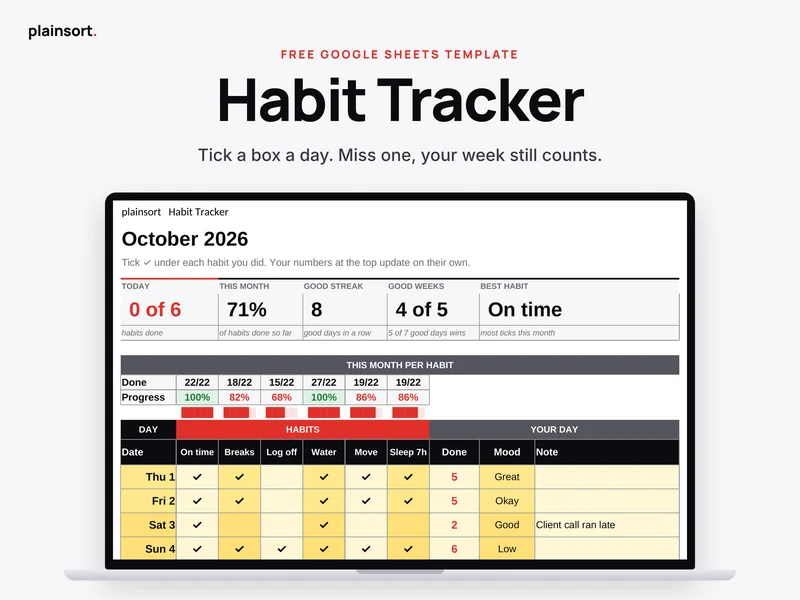 HabitsHabit Tracker
A free Google Sheets habit tracker for your phone. Tick six habits a day. A good week still counts if you miss a day.
Made for Google SheetsFree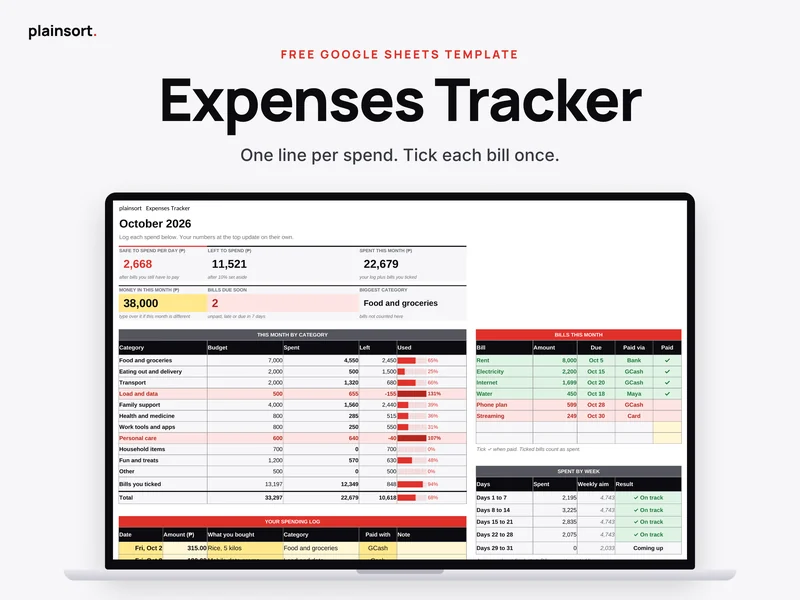 MoneyExpenses Tracker
A free Google Sheets expense tracker. Log each spend in one line, tick bills once, and see what you can still spend.
Made for Google SheetsFree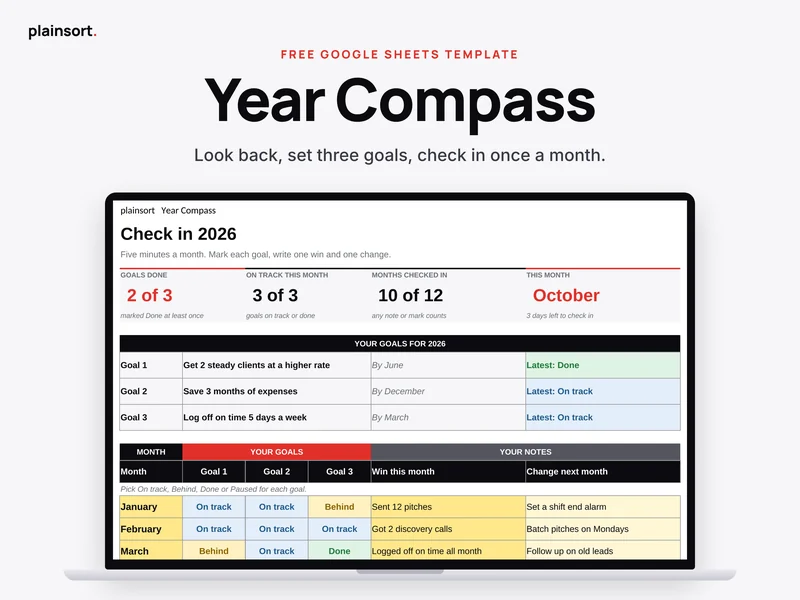 PlanningYear Compass
A free Google Sheets year review. Look back, set three goals and check in for five minutes a month.
Made for Google SheetsFree